A home battery storage system should be sized from four numbers: the loads you need to run, the daily energy those loads use in kWh, the peak power they draw in kW, and how many outage hours you expect to cover before solar or the grid comes back.
I’m writing this as someone who has sold and specced a lot of backup gear for normal households, not dream houses. The mistake I see most is simple: people shop for a big battery number first, then discover later that their fridge is fine but their well pump won’t start, or that they paid for whole-home backup when what they wanted was one cold freezer, working Wi-Fi, lights in the kitchen, and coffee in the morning. Different job.
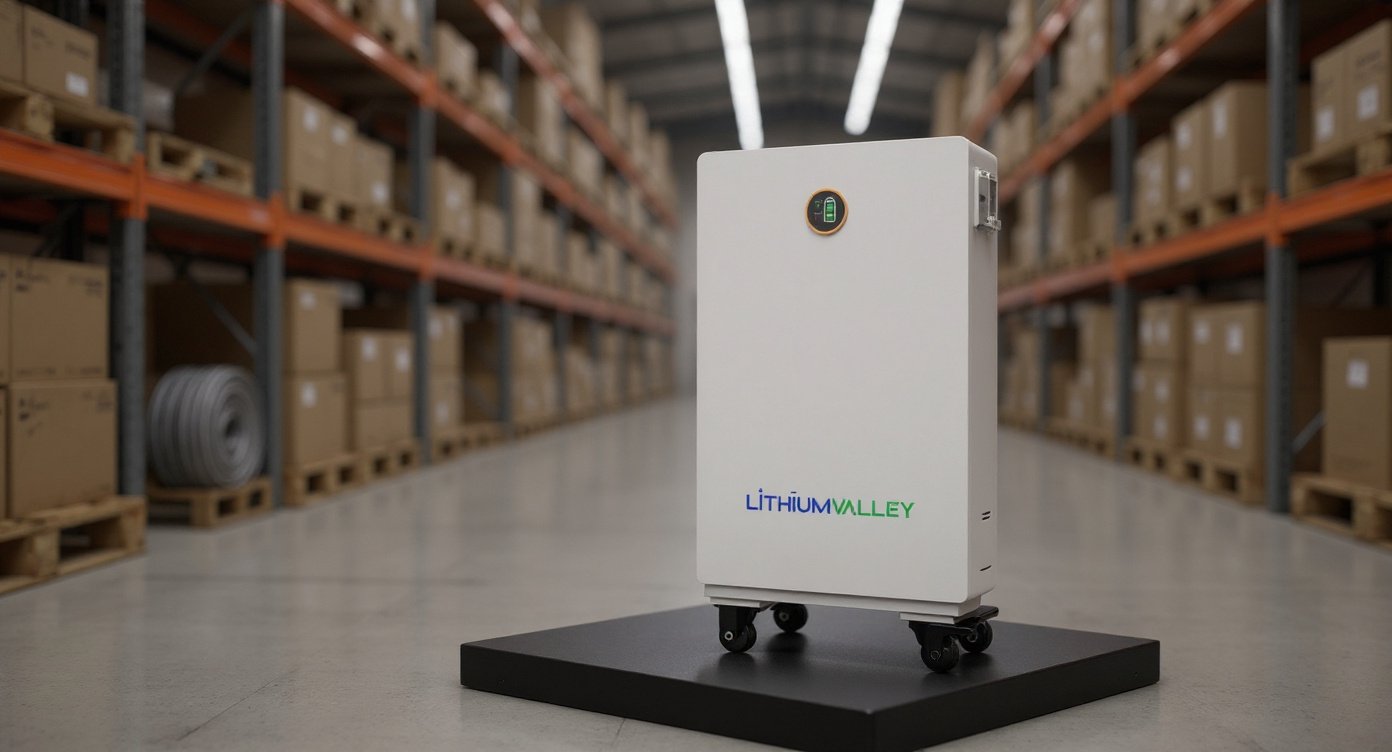
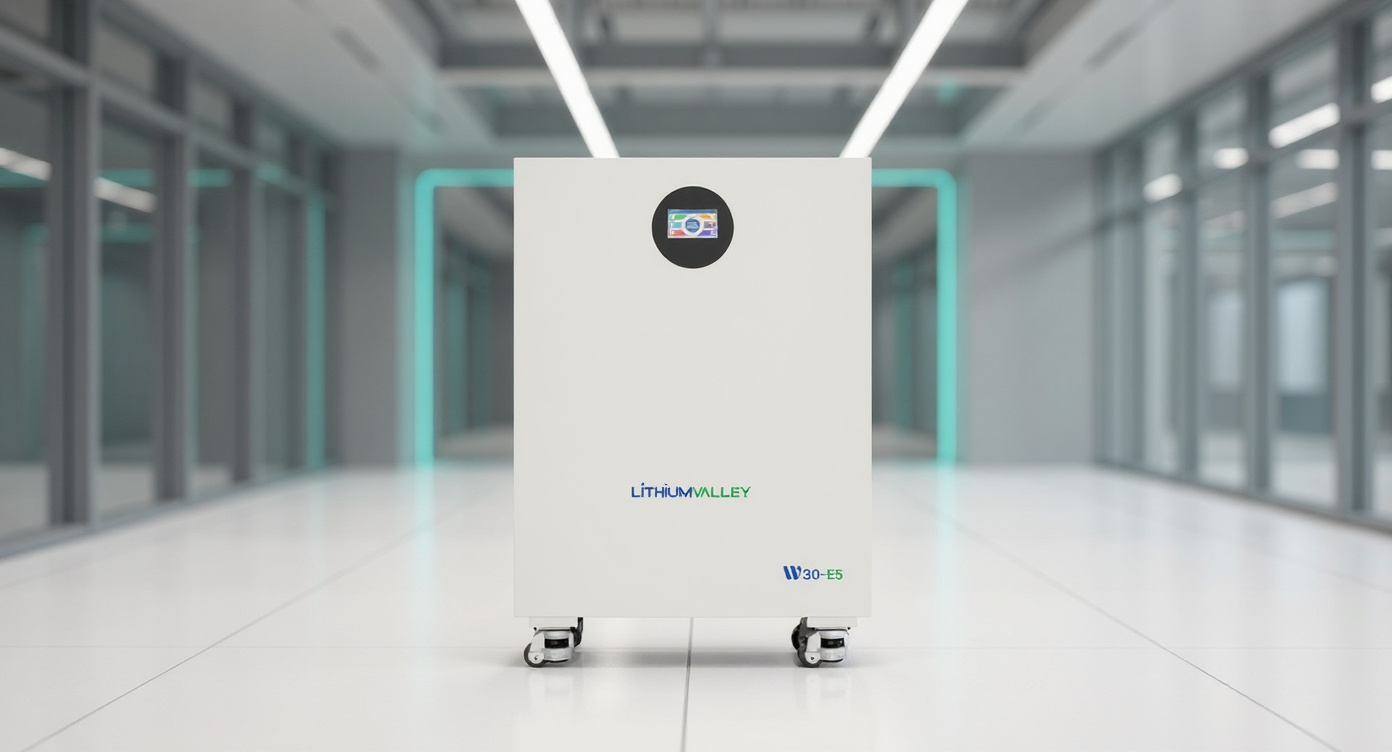
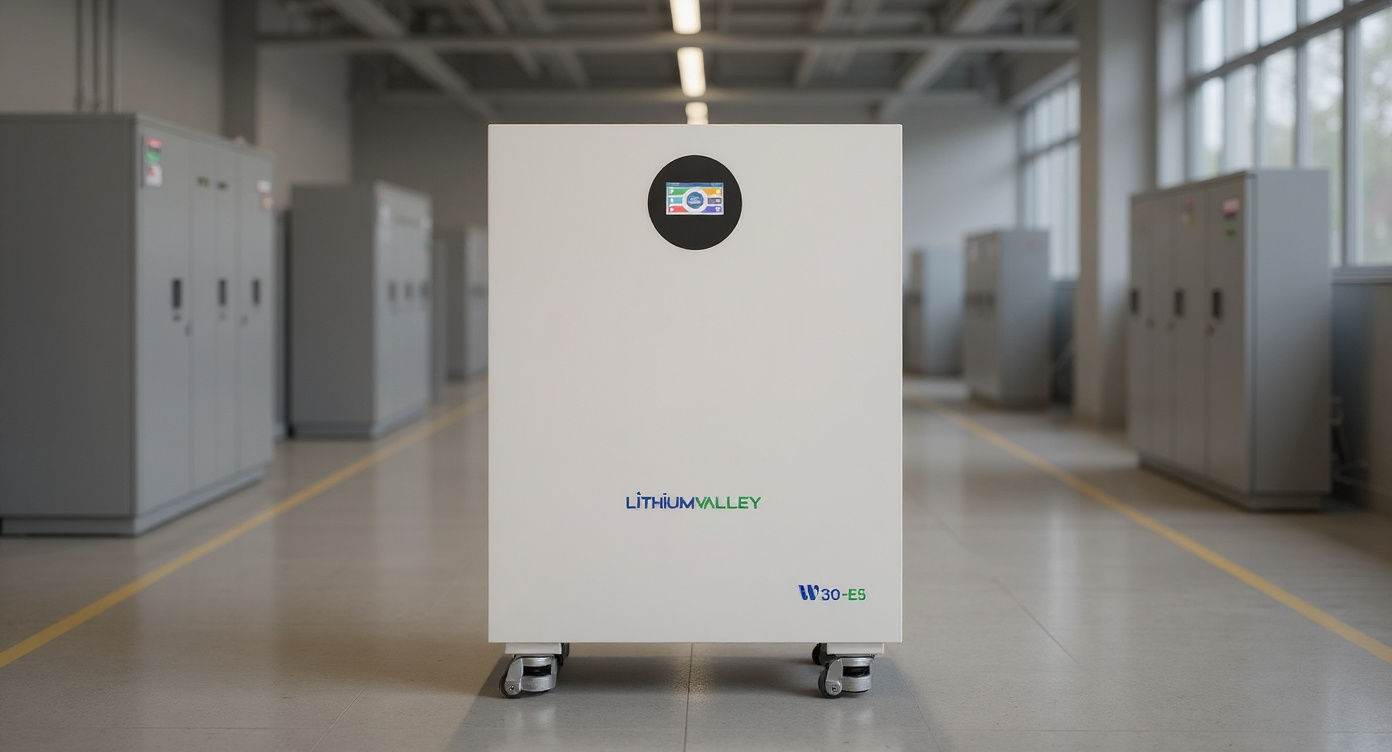
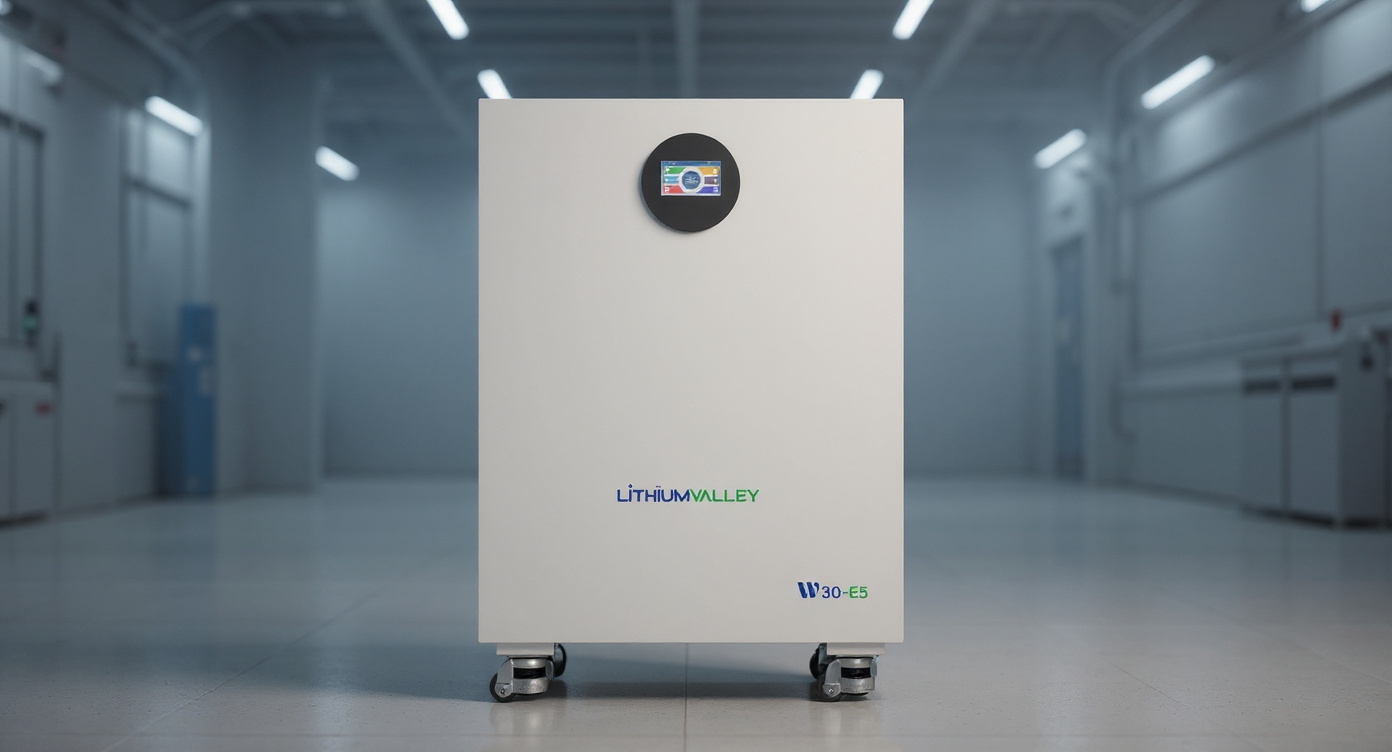
If you’re looking at the W30-E5 Home Energy Storage Battery, that same rule applies. Judge it by your load list first, then by its actual supported inverter communication, expansion path, monitoring, warranty, and installation fit. Not by brochure language.
How to size a home battery storage system, in plain English
Start with what has to stay on.
Not what would be nice.
For most houses, that list is shorter than people think. My own emergency list at home is one refrigerator, one chest freezer, modem and router, a few LED lighting circuits, phone charging, and a gas boiler circulator. In January two years ago, we lost power for 11 hours after wet snow took down a line half a mile away. What mattered was heat control, food, and internet. The microwave did not matter. The dishwasher definitely did not.
A decent first-pass list looks like this:
– Refrigerator: 1.4 kWh per day, startup surge often 1,200 to 1,800 W
– Chest freezer: 0.8 kWh per day, startup surge often 800 to 1,500 W
– Router and modem: 18 to 35 W continuous, call it 0.6 kWh per day
– LED lights for key rooms: 120 W for 5 hours, 0.6 kWh per day
– Gas furnace or boiler blower/pump: 400 to 800 W while running, startup can hit 1,200 W
– Sump pump: maybe only 10 minutes per hour in a storm, but startup can jump to 2,000 to 3,500 W
That’s why battery sizing has two separate jobs. Runtime and power.
kWh tells you runtime. kW tells you what can run at once.
People mix those up every week.
kWh versus kW, the part that saves you from buying the wrong box
If your backed-up loads use 5.2 kWh over 24 hours, a battery with about 5 kWh usable capacity is not enough unless you plan to recharge during the day. You need margin for inverter losses, cold-weather performance, and real human behavior, because people open the fridge more during outages. They just do.
If those same loads only draw 700 W most of the time but your sump pump starts at 2,800 W and your fridge compressor kicks at the same moment, your system still has to handle that peak.
This is where many cheap comparisons fall apart.
Here’s a practical table I use with customers.
| What you need to check | Good question to ask | Why it matters | What happens if you ignore it |
|---|---|---|---|
| Usable battery capacity | How many kWh can I actually use, not just nominal? | Determines real runtime | Battery looks bigger on paper than it feels in use |
| Continuous output | How many kW can the system supply for more than a few seconds? | Keeps loads running together | You trip the inverter with charge left in the battery |
| Surge output | What can it deliver for motor starts? | Starts pumps, compressors, blowers | Fridge hums, pump stalls, outage gets expensive |
| Inverter protocol support | Does the battery talk cleanly to your inverter brand? | Affects charging logic, fault handling, display data | System works, but badly, or not at all |
| Expansion limit | How many units can be stacked later? | Protects your upgrade path | You replace instead of adding |
| Monitoring | Can you see SOC, alarms, history, temp, communication status? | Helps troubleshooting and load planning | You guess when something goes wrong |
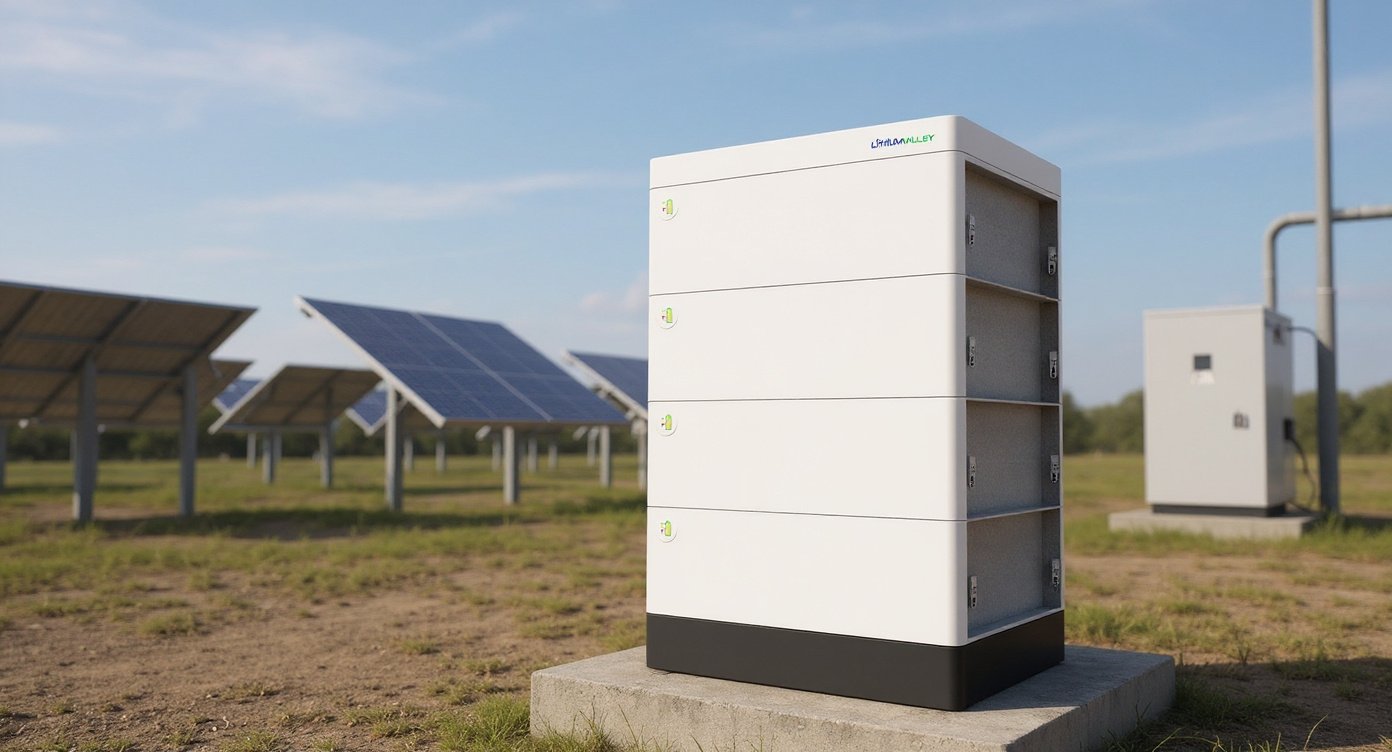
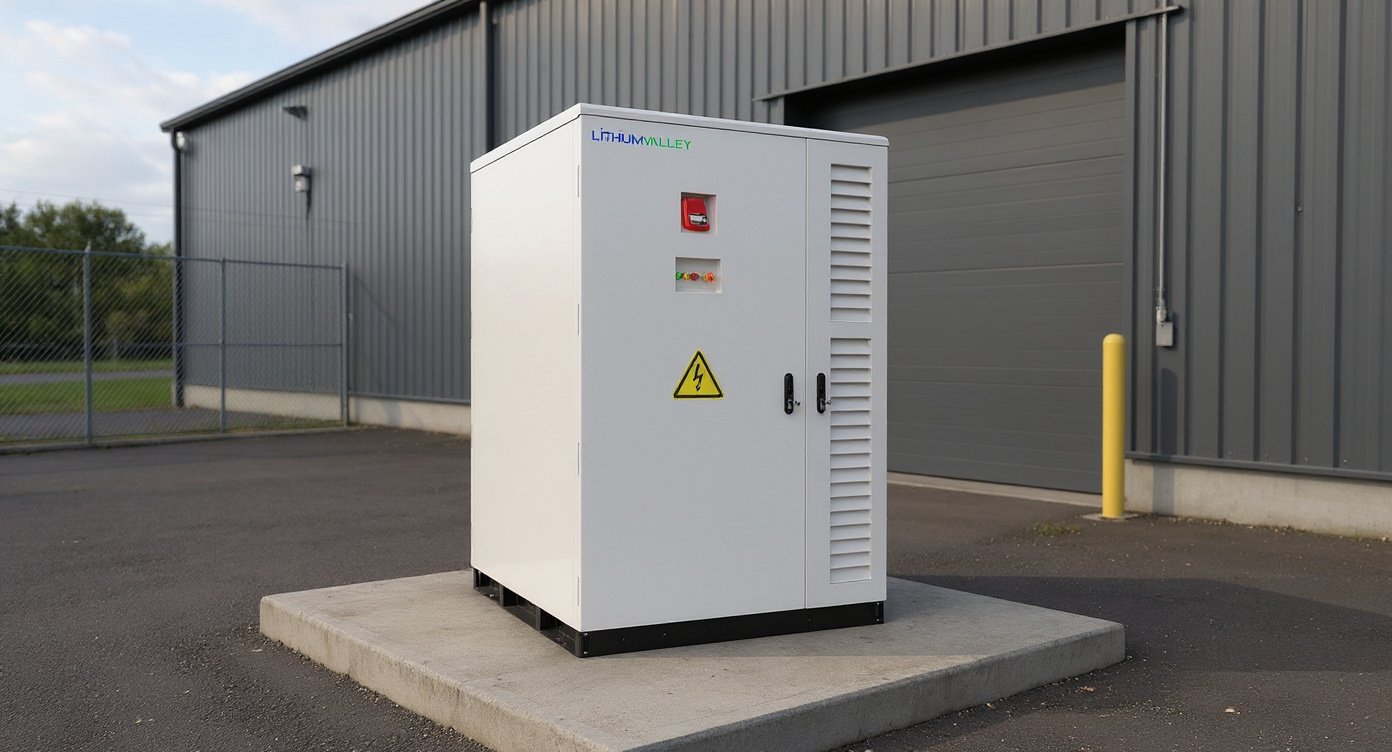
For the W30-E5 Home Energy Storage Battery, those boring details matter more than shiny claims. The enclosure and layout are already fixed by the actual hardware, and that’s good. I’d rather have a sober, wall-mounted or floor-standing battery enclosure with clear controls and connectors than one designed to look like a speaker.
Three sample sizing paths, with numbers
Most homes land in one of these buckets.
1) Essentials-only backup
This is the best value for a lot of people.
Say your critical loads are:
– Fridge: 1.4 kWh/day
– Freezer: 0.8 kWh/day
– Internet: 0.6 kWh/day
– Lighting: 0.6 kWh/day
– TV and device charging: 0.7 kWh/day
– Furnace blower or boiler controls: 1.5 kWh/day
Total: 5.6 kWh per day
Add 12% system losses and a little slop for real use, and you’re closer to 6.3 kWh needed for a day. If you only need 12 hours, cut that roughly in half, but don’t shrink your power requirement. A fridge and blower can still start at the same time.
A battery in the 5 to 10 kWh class often makes sense here, depending on your inverter pairing and whether you expect solar recharge the next day.
2) Partial-home backup
This is where life feels pretty normal.
Add a microwave, more lighting circuits, a home office, maybe a small pump, and selected kitchen outlets. Now your daily use might hit 9 to 14 kWh, and your overlapping load might rise to 3 to 5 kW with surges beyond that.
For many families, this is the sweet spot. Enough comfort. Less money burned on circuits nobody needs in a blackout.
3) Whole-home backup
Here’s the honest part most articles duck.
Whole-home battery backup is often a bad buy if your house is all-electric and you refuse to manage loads.
If you’ve got central AC, electric water heat, electric range, dryer, and maybe EV charging, your house can chew through 30 to 60 kWh in a day without trying hard. In summer, one 3-ton AC alone may draw 2.8 to 4.2 kW while running, with startup demands that make inverter sizing touchy unless there’s soft-start equipment. Add water heating at 4.5 kW and cooking at 3 to 7 kW, and the battery conversation gets expensive fast.
Not impossible. Just expensive.
A real comparison shoppers actually need
People always ask how a battery like this stacks up against names they know, so here’s the short version.
| Product | Typical listed battery price or market price | Capacity class | What I like | Trade-off |
|---|---|---|---|---|
| W30-E5 Home Energy Storage Battery | Often quote-only, varies by project | Home ESS module class | Designed for expansion, inverter comms matter, practical enclosure | Need to verify exact protocol match and installed price |
| Tesla Powerwall 3 | About $8,700 for the unit, installed systems often $13,000 to $18,000 | Whole-home leaning | Strong app, brand familiarity, big installer network | Expensive, not the most flexible for every inverter setup |
| Enphase IQ Battery 5P | About $3,300 to $3,900 per battery, installed cost higher | Modular | Nice ecosystem if you already use Enphase | Costs stack up fast when you need real capacity |
| FranklinWH aPower | Often $10,000 to $15,000 installed as part of a system | Whole-home leaning | Good home integration, solid backup positioning | Price and installer availability vary a lot |
| EG4 PowerPro WallMount | Roughly $3,699 to $4,299 street price | Value-focused LFP | Strong value per kWh, popular in DIY-adjacent circles | Support and installer acceptance depend on market |
| Pytes V5 or similar rack battery systems | Roughly $1,500 to $2,200 per module | Expandable modular | Good value, flexible builds | More integration homework, less turnkey feel |
Those numbers move. They move a lot by region, installer, freight, and how much balance-of-system gear you need. But they’re real enough to keep you grounded.
My rule of thumb for runtime
Take your must-run daily load, divide by the usable battery capacity, then subtract 10% to 15% in your head for losses and bad assumptions.
Example:
If your critical loads total 6.3 kWh in a day and your battery gives 10 kWh usable, your rough runtime is 10 / 6.3 = 1.59 days. Then trim for losses and usage creep. Call it 30 to 34 hours, not 38.
That’s the version you’ll live with.
Not the sales-sheet version.
A sizing worksheet for the W30-E5 Home Energy Storage Battery
If you’re considering a home battery storage system built around the W30-E5 Home Energy Storage Battery, use this before asking for a quote.
| Load | Running watts | Startup watts | Hours/day | Daily kWh |
|---|---|---|---|---|
| Refrigerator | 150 | 1,400 | 10 compressor-hours | 1.5 |
| Freezer | 100 | 1,000 | 8 compressor-hours | 0.8 |
| Router + modem | 25 | 25 | 24 | 0.6 |
| LED lighting | 120 | 120 | 5 | 0.6 |
| Furnace blower | 600 | 1,200 | 3 | 1.8 |
| Sump pump | 800 | 2,800 | 0.5 | 0.4 |
| Microwave | 1,200 | 1,200 | 0.2 | 0.24 |
| Laptop + phones | 90 | 90 | 4 | 0.36 |
Daily total here is 6.3 kWh.
Peak overlap is the real gotcha. If the blower is running at 600 W, the fridge starts at 1,400 W, and the sump pump kicks at 2,800 W, your system may need to tolerate a short burst well above 4 kW. That’s why the battery and inverter have to be looked at together.
Not optional.
Installation and safety are not side notes
I’ve watched one project turn into a five-week headache because the battery looked fine, the inverter looked fine, and the installer assumed the communication profile was fine. It wasn’t. The system ran in a clumsy, half-compatible mode until firmware and settings were sorted out. Nobody was happy, and the homeowner had already paid for drywall patching around the install area.
So yes, safety listings, comms, and code matter.
A lot.
UL’s residential ESS testing information is worth reading if you want to understand why system-level evaluation matters. And UL’s Q&A on marking for residential energy storage systems is one of the better plain-English explanations of what labels and markings are trying to tell you.
I’d also keep one eye on broader efficiency work before oversizing storage. The U.S. Department of Energy’s home upgrades guidance is dry reading, but it makes a fair point: reducing waste can shrink the battery you need.
What I’d verify before buying this exact battery
Since the hardware identity here is fixed, the real questions are about fit.
For the W30-E5 Home Energy Storage Battery, I would verify these items in writing before deposit:
– Nominal capacity and usable capacity per unit
– Recommended and maximum charge/discharge rates
– Supported inverter brands and communication protocols
– Maximum number of units in parallel
– Operating temperature limits
– Warranty term, cycle assumptions, and labor coverage
– Physical clearance requirements for service and ventilation
– Whether your installer has commissioned this exact model before
That last one matters more than people admit. A battery can be good and still be the wrong first project for your installer.
Common mistakes I see, and what they cost
Buying too small on power output is the classic mistake.
Buying too big on energy because outage fear took over is the expensive one.
A third mistake is assuming every battery saves money on electric bills. That depends on your rate structure. If your utility has flat cheap power and weak net metering penalties, storage savings can be thin. Great for backup, maybe mediocre for payback. People don’t love hearing that, but it’s true.
One more honest statement. If you almost never lose power and your utility rate spread is tiny, spend the money on insulation, air sealing, and one efficient fridge before you spend it on a battery. Not glamorous. Better economics in a lot of zip codes.
FAQ
How big of a home battery storage system do I need for backup?
For essentials-only backup, many homes land between 5 and 15 kWh usable capacity. If your critical loads total 6 kWh per day, a 10 kWh usable battery often gives about 30 hours of practical runtime after losses. Partial-home systems often need 10 to 20 kWh. Whole-home all-electric houses can need 20 to 60 kWh or more, plus enough inverter power to handle heavy loads.
How many appliances can a home battery run at once?
That depends on inverter output, not just battery size. A battery may store plenty of energy but still be unable to start a well pump and run a microwave and blower at the same time. A modest system might handle a fridge, lights, internet, and TV without drama. Add motors or electric heating, and the power requirement jumps.
Is 10 kWh enough to run a house?
Sometimes. For a tight essentials panel, yes. For a normal mixed-load home, 10 kWh usually covers part of a day to a day and a half if you’re selective. For an all-electric home with AC, electric water heat, and cooking, no, 10 kWh disappears fast.
What is the difference between nominal capacity and usable capacity?
Nominal capacity is the headline number. Usable capacity is what you can draw in real operation while staying inside the battery management system limits. That’s the number to use for runtime math. If a seller avoids the usable number, I get suspicious.
Can the W30-E5 Home Energy Storage Battery work for solar self-consumption and outage backup?
Yes, that’s the right kind of use case to evaluate it for, provided the inverter communication and system design are right. For most homes, a battery like this makes sense for evening solar use, backup of selected circuits, and time-of-use shifting. It makes less sense if you expect to run every electric load in the house with no compromises.
Is the W30-E5 Home Energy Storage Battery a whole-home backup battery?
It can be part of a whole-home design, but that answer depends on system size, inverter pairing, and your loads. A single battery unit does not magically make a whole-home system. You need enough total usable kWh and enough power delivery to support your real peak loads.
How much does a whole-home battery setup cost?
Installed cost varies hard by region and scope. In today’s market, an essentials-focused installed system might land near $11,000 to $19,000. A larger partial-home or whole-home system can climb to $25,000, $40,000, or more. The battery is only part of that. Inverter, transfer equipment, labor, permit fees, and panel work add up fast.
Is Tesla Powerwall the best option?
Not for everyone. Tesla has brand recognition and a polished app, but it isn’t automatically the best fit if your installer prefers another ecosystem or if you need a different communication setup. I’ve seen buyers pay extra for the logo when a better-matched battery would have done the job for less.
How do I size a battery if I have a well pump?
Start by getting the well pump’s running watts and startup surge. Many 240 V well pumps run fine day to day on 700 to 1,500 W but can surge far higher at startup. If you don’t account for that, the system can fail the first time you need water. This is one of those loads where real-nameplate data matters.
Is DIY battery storage worth it?
Sometimes, but this won’t work if you’re loose about electrical code, disconnects, overcurrent protection, and communication setup. Rack batteries and value LFP gear can save money, no question. But if your town wants permits and signed inspections, DIY savings shrink fast. And if backup reliability matters for medical equipment or a wet basement, I’d lean pro install.
How long should a home battery last?
Many LFP home batteries are sold with 10-year warranties, often tied to cycle counts or retained capacity. Real life depends on temperature, charge rate, depth of discharge, and whether the system sits full and hot for long stretches. Cool install location. Sensible settings. Those help more than people think.
What do I wish more buyers asked before ordering?
Two questions. First, “What exactly will still work at 7 p.m. on day two of an outage?” Second, “Who in this town will service this battery in year six?” Those answers matter more than brochure adjectives.
Bottom line
If you want a home battery storage system that feels useful, size from your loads backward. Figure out the daily kWh you need, the peak kW you might hit, the surge loads you can’t ignore, and the outage length you want to cover. Then compare batteries against that reality.
For the W30-E5 Home Energy Storage Battery, I’d treat it as a serious candidate for backup power, solar self-consumption, and load shifting only after confirming the exact capacity figures, communication compatibility, expansion ceiling, and installed system design. Good battery hardware helps. Correct sizing matters more.