If you’re specifying the W16-5A, verify these five things first: battery chemistry, usable energy, inverter communication, installation clearances, and warranty limits. Miss one, and you can end up with a battery that fits the wall but not the inverter, or covers outages on paper but not in your house.
I’ve been on enough battery and inverter calls to know where projects go sideways. Usually not because the cabinet is bad. Because someone trusted a thin reseller listing, guessed at CAN or RS485 support, and ordered before reading the install manual. I’ve done the same once with a rack battery years ago. Cost me a Saturday, two extra cable runs, and one very annoyed electrician.
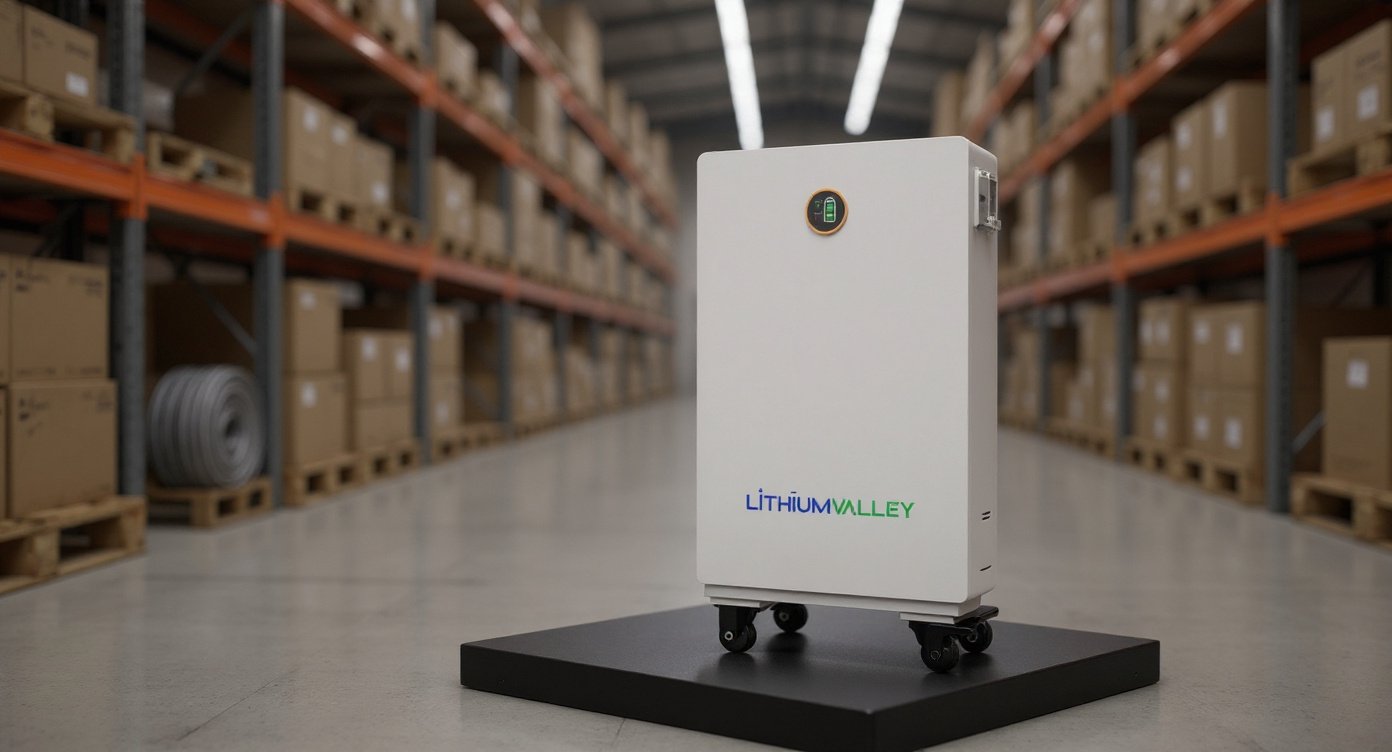
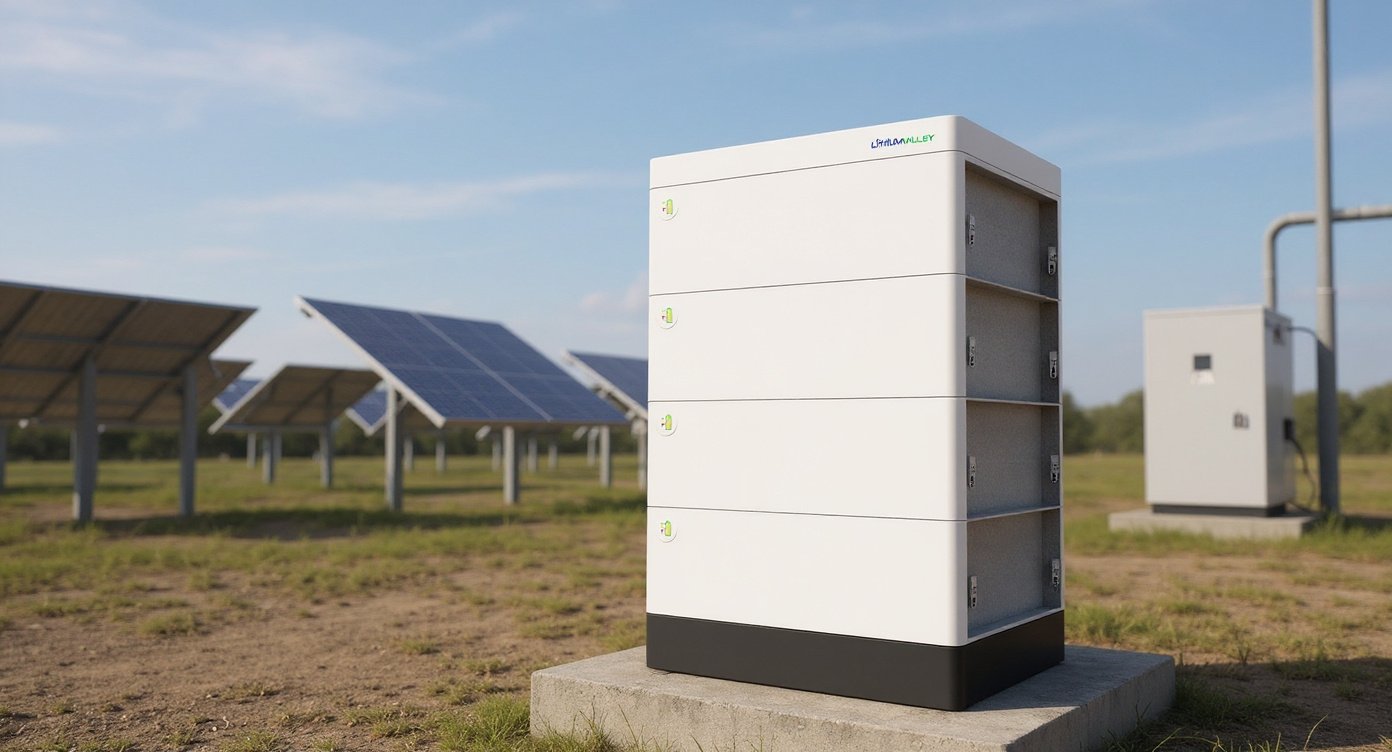
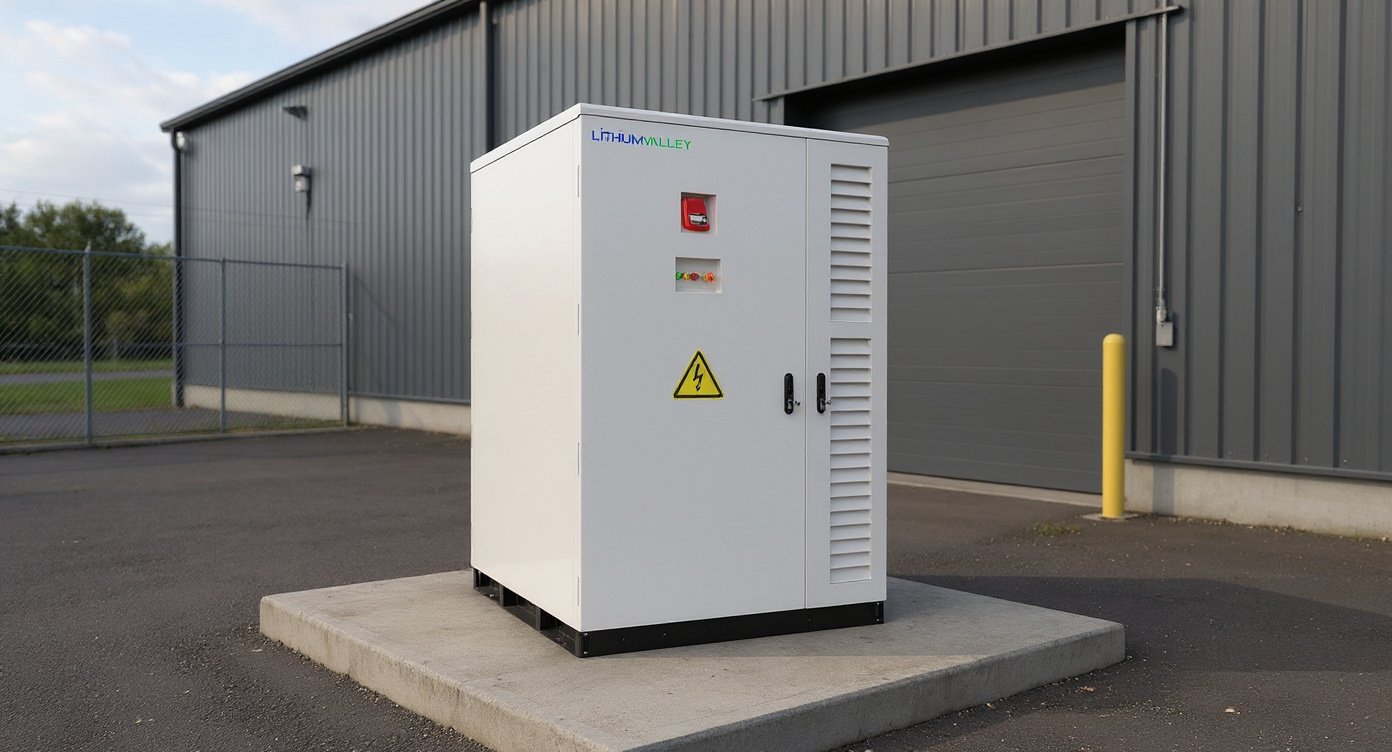
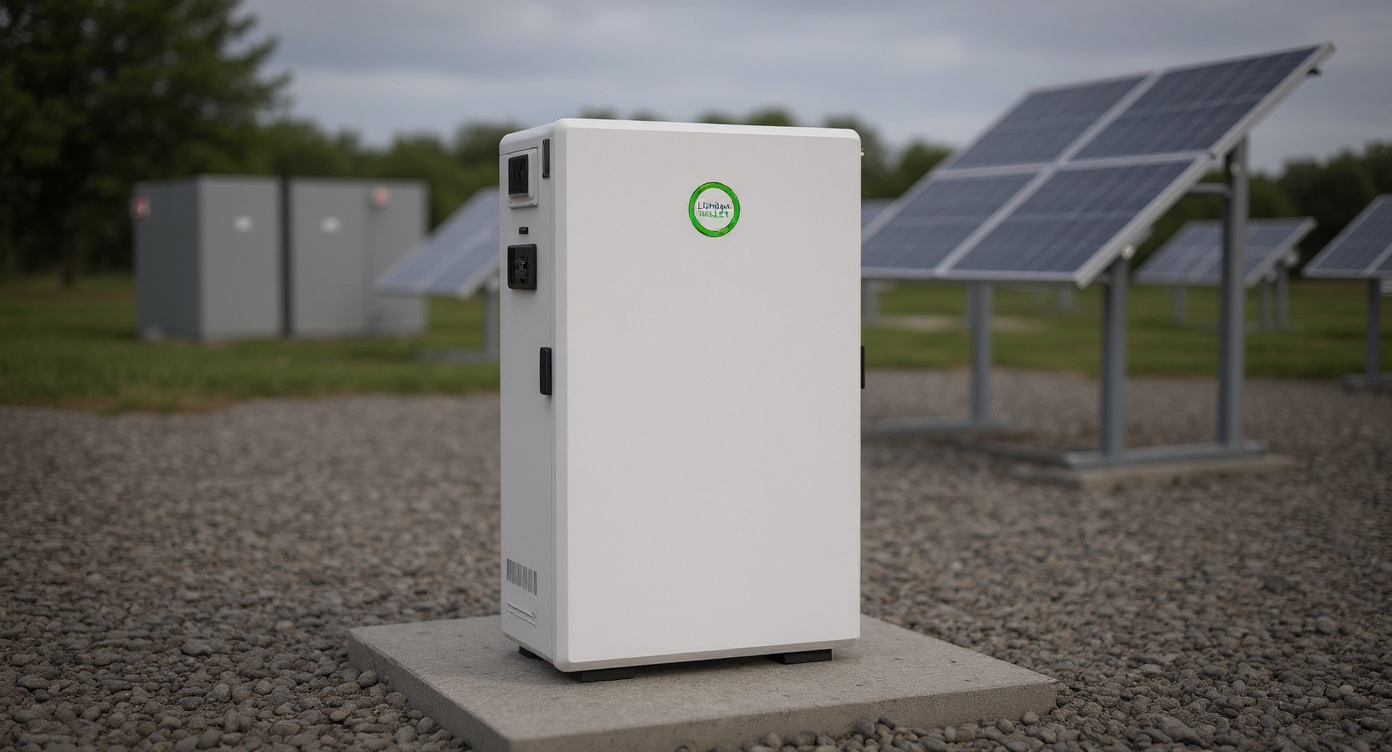
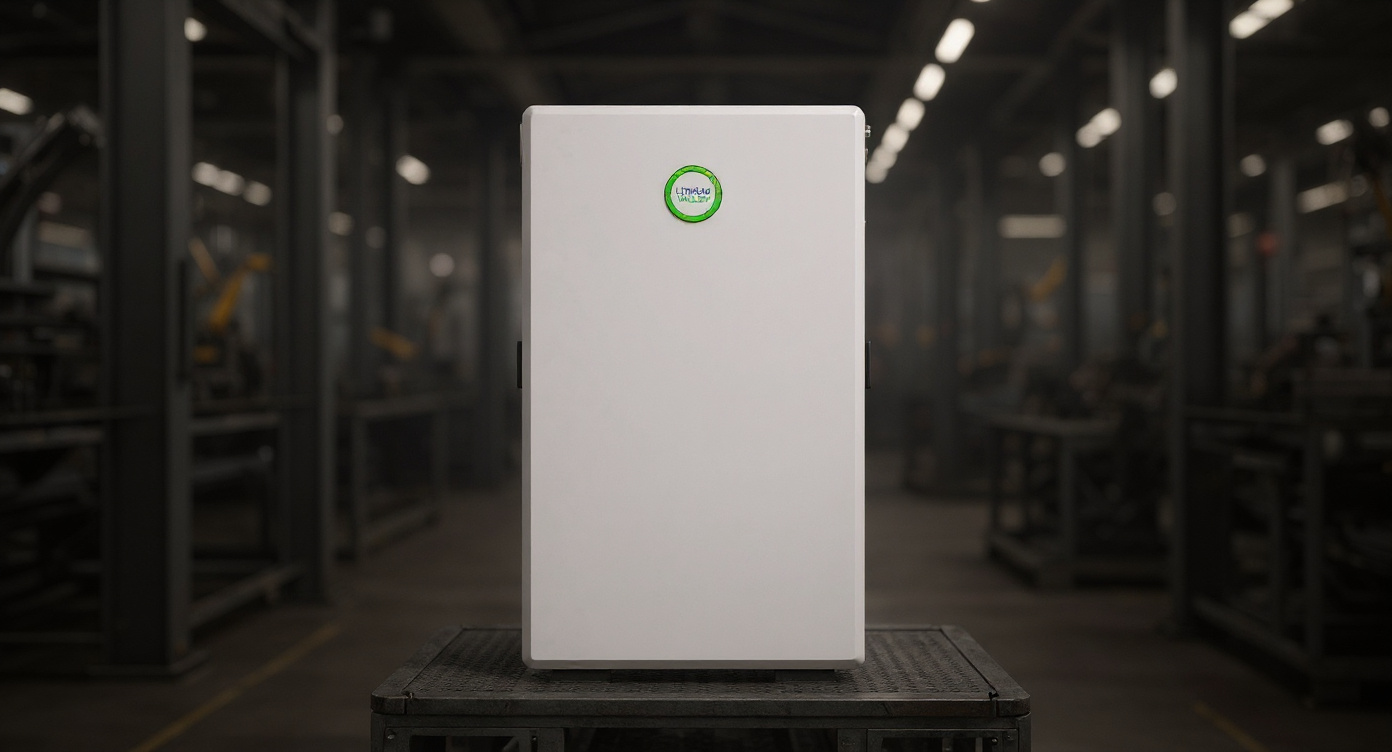
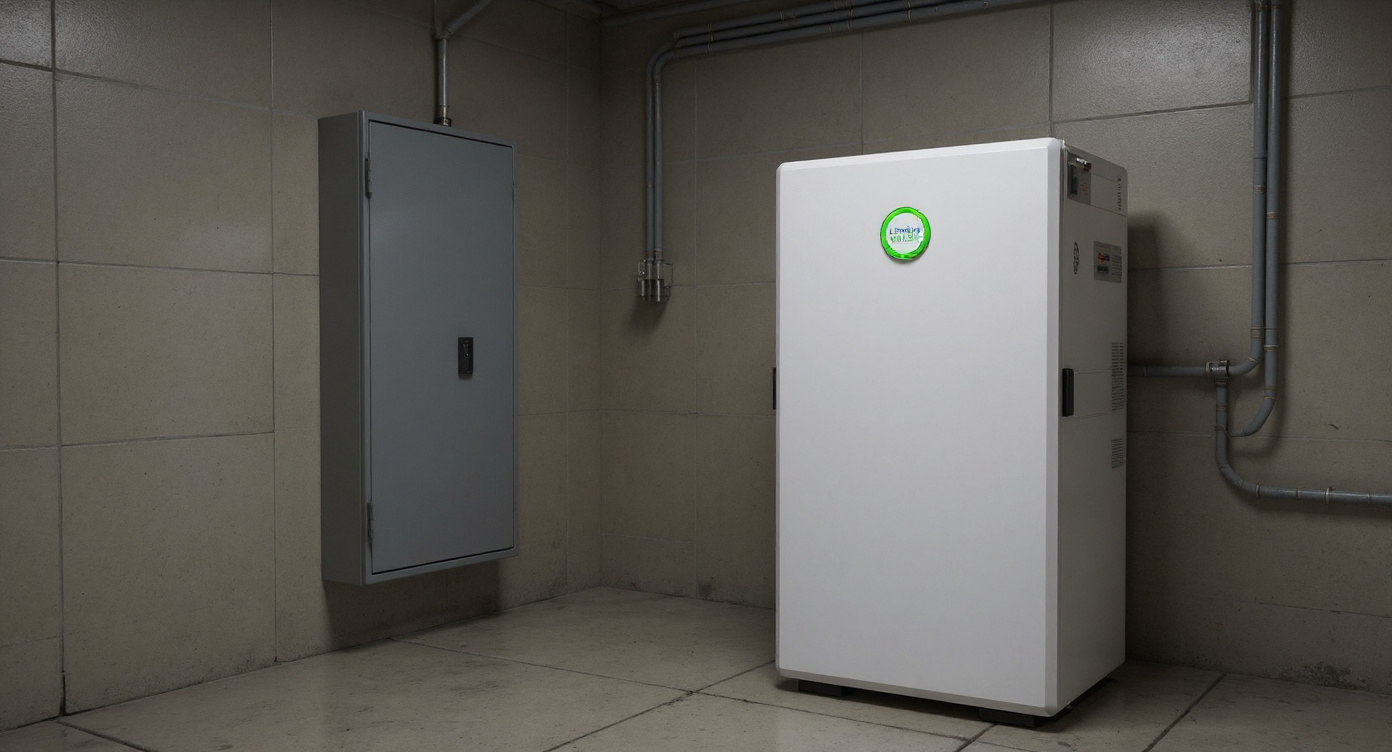
This guide is about the exact W16-5A hardware shown in the official source images, preserving its enclosure, proportions, controls, connectors, colors, labels and component count. Not a generic wall battery. Not a different interpretation of the name.
The official starting point is the W16-5A product page. Use that first, then ask for the datasheet, installation manual, and warranty PDF before anyone drills into a wall.
W16-5A checklist, short version
Here’s the fast screen I’d use before I quote or approve a W16-5A install:
1. Confirm the cell chemistry in the datasheet.
2. Confirm nominal energy and usable energy, as separate numbers if both are published.
3. Confirm inverter communication method, usually CAN, RS485, or both.
4. Confirm wall clearances, service space, and installed weight.
5. Confirm the warranty term, throughput or cycle limits, and approved inverter pairings.
That’s it. Start there.
Start with the numbers that affect runtime
Pretty cabinet. Nice app. None of that sizes backup.
What matters first is nominal energy, usable energy, nominal voltage, charge current, discharge current, and continuous power if the manufacturer states it. If even two of those are missing, you’re not sizing a system. You’re guessing with a purchase order.
A lot of buyers fixate on the biggest kWh number on the page. I don’t. Usable energy is the number that carries the house at 2:10 a.m. when the grid drops and the fridge, router, furnace blower, and a few lights are still running.
This is where the W16-5A needs clean paperwork. If the product page gives the headline capacity but not the usable figure, stop and ask. Same if the page gives voltage without the working range. Same if the battery app is mentioned but no one can tell you whether it reports state of charge, alarms, cell protection events, or just a battery icon. Vague app language is a red flag.
Small detail. Big consequences.
The five checks that matter most
| What to verify | Why it matters | What to ask for |
|---|---|---|
| Chemistry | Affects thermal behavior, charging profile, and safety planning | Datasheet with exact cell chemistry |
| Usable energy | Determines real backup runtime | Separate nominal and usable kWh figures |
| Inverter communication | Prevents charge-control problems and nuisance faults | CAN/RS485 support and tested inverter list |
| Installation clearances | Decides whether the battery can be mounted and serviced properly | Install manual with side, top, bottom, front clearance numbers |
| Warranty terms | Tells you how the manufacturer expects the battery to be used | Full warranty PDF with cycle or throughput limits |
| Weight and mounting method | Decides whether your wall and anchors are suitable | Installed weight and bracket details |
Chemistry and BMS, this is where lifespan starts
Battery chemistry is not a footnote. It shapes how the pack behaves in heat, cold, and daily cycling.
For home storage, most buyers hope for lithium iron phosphate because it tends to be the conservative choice for cycle life and thermal behavior. But hope is not documentation. If the W16-5A listing you’re reading doesn’t state the chemistry in plain text, get the datasheet. Don’t let anyone fill that gap with “it’s the same as most home batteries.” That phrase has wasted a lot of money.
Same goes for the BMS. A decent residential BMS should monitor voltage, current, and temperature at minimum. Better systems also handle balancing, fault logging, state-of-charge calculation, and inverter communication. That’s the difference between a battery that stores energy and a battery that behaves well in a real house, with changing loads and imperfect grid conditions.
I’ve seen one install where the battery itself was fine, but the state-of-charge reading drifted enough that the homeowner thought they had 40 percent left and got 12 minutes. Not funny during a storm. The issue turned out to be setup and communication, not bad cells. Still. The homeowner didn’t care.
For system safety, UL’s residential ESS safety testing overview is worth reading. It’s a useful reminder that a home battery is not just cells in a metal box. Enclosure, controls, protection logic, wiring paths, and abnormal-condition behavior matter.
Inverter compatibility is where good battery projects go bad
This is the part most sales pages treat like a side note. It isn’t.
A battery can match the inverter’s voltage range and still be a headache. If closed-loop communication doesn’t work, the inverter may fall back to rough manual settings. That can function. Sometimes. But you lose the cleaner charge control, fault reporting, and state-of-charge confidence that make the whole system feel sorted.
Before you specify the W16-5A, verify these points with both the battery seller and the inverter brand:
| Compatibility item | Why it matters | What you need |
|---|---|---|
| DC voltage window | Prevents hard mismatch | Exact battery operating range |
| CAN or RS485 support | Enables battery-inverter handshaking | Named protocol and pinout or cable guidance |
| Max continuous charge/discharge current | Protects the pack and avoids trips | Datasheet current limits |
| Tested inverter brands and models | Avoids field experiments | Written compatibility list |
| Firmware requirements | Old firmware breaks integrations more often than people admit | Minimum inverter and battery firmware versions |
| Backup mode behavior | Affects reserve settings and outage performance | EPS/backup setup guidance |
If a seller says “works with most hybrid inverters,” ask for the exact list. Sunsynk, Growatt, Victron, Solis, Deye, GoodWe, SMA, LuxPower, EG4. Which models? Which firmware? Which cable? If they can’t answer that in one email, I wouldn’t specify it for a customer job.
Honestly, if your installer wants to run this battery in open-loop mode because they don’t know whether the communication profile is supported, I’d pause the whole project. Open-loop can work, but it shifts more risk onto setup quality and ongoing monitoring. Most homeowners do not want that burden.
The U.S. Department of Energy home upgrades guidance is broad, but the core point holds up: energy hardware has to fit the house and the load profile. A battery that’s oversized for the inverter or underspecified for the real loads will disappoint no matter how nice the enclosure looks.
Installation clearances matter more than people think
Wall-mounted does not mean wall-forgiving.
You need the manufacturer’s actual clearance numbers for the W16-5A, not a guess based on a Tesla Powerwall 3 or an EG4 wall unit. Different cabinet depths, venting paths, cable exits, and service panels change everything. Front working space matters. Side access matters. The height where the controls end up matters.
I once had a customer send me a photo of a battery niche they built between a freezer and a stud wall. Looked neat. Problem was, the right-side cable bend radius alone killed the plan. Half a day of framing for nothing.
Here’s the minimum site review I’d do before anyone orders:
1. Measure uninterrupted wall width and height.
2. Confirm the wall can carry the installed weight and bracket load.
3. Confirm ambient temperature and humidity stay inside the published limits.
4. Check whether cable routing allows safe DC, AC, and communication runs.
5. Verify that indicators, breakers, and service access stay reachable.
6. Leave real front working space, not the “we can stand sideways” kind.
If the install manual is missing, stop there. No manual, no order.
That’s not me being fussy. That’s me having watched tight utility-room installs become expensive after the drywall work was already done.
UL’s Q&A on marking for residential-use energy storage systems is also useful here because proper labeling and intended-use instructions are part of safe installation, not paperwork theater.
Warranty language tells you the truth
The warranty is where the manufacturer stops speaking in broad promises and starts speaking in conditions.
Read the whole thing. Every page.
A home battery warranty often depends on more than years. It may include cycle limits, energy throughput limits, retained-capacity terms, temperature requirements, approved installation methods, and approved inverter pairings. If you only read the big “10-year” line, you can miss the part that decides whether a claim gets approved.
Here’s the plain-English way I compare battery warranties:
| Warranty question | Why it matters |
|---|---|
| Is it time-only, or time plus throughput/cycles? | Daily solar cycling can use up the allowance faster than buyers expect |
| Is retained capacity stated? | Tells you what degradation is still considered normal |
| Are approved inverters required? | Unsupported pairing can create denied claims |
| Are installation conditions spelled out? | Wrong environment or setup can void coverage |
| Who pays labor and shipping? | Parts-only coverage can still leave a painful bill |
Contrarian take. Most articles won’t say this.
If you mainly want blackout backup and you lose power twice a year for 90 minutes, a big wall battery may be poor value compared with a smaller battery plus load management. People overbuy storage all the time because the idea feels secure. The math often says otherwise.
Real-world comparison: where the W16-5A sits in the market
Without the full W16-5A datasheet in front of every buyer, the smartest comparison is feature-by-feature, not headline-vs-headline. Here are the brands people actually cross-shop:
| Brand/model | Street price or typical installed hardware price | Notes buyers should know |
|---|---|---|
| Tesla Powerwall 3 | about $8,999 for hardware, installation often pushes total far higher | Strong ecosystem, but you’re buying into Tesla’s way of doing things |
| EG4 PowerPro WallMount AllWeather | about $3,799 to $4,299 hardware | Aggressive pricing, popular with DIY-leaning buyers, documentation varies by seller |
| Enphase IQ Battery 5P | about $3,300 to $3,800 hardware per unit, whole system costs more | Nice fit in Enphase ecosystems, modular, not cheap per kWh |
| FranklinWH aPower | often $10,000+ installed with supporting hardware | Good whole-home pitch, but total project cost climbs fast |
| LG Energy Solution RESU line, where still available through channels | prices vary a lot, many legacy comparisons are stale | Familiar name, but model generations and availability complicate comparisons |
| W16-5A | confirm current seller quote and full spec set first | Value depends on chemistry, usable energy, communication support, and warranty details, not the headline name |
That table is not a winner chart. It’s a reality check. Some buyers are better off with a closed ecosystem. Some want lower hardware cost and can tolerate more integration work. Different jobs.
Questions worth asking before you order a W16-5A
Send one email. Keep it tight.
Ask for the datasheet, installation manual, warranty document, inverter compatibility list, and app screenshots showing what the owner can monitor. Then ask whether the proposed design assumes full usable capacity or a reserve state of charge for outage protection.
If the seller can’t answer these clearly, wait:
1. What exact chemistry is used?
2. What are nominal energy and usable energy?
3. What are nominal voltage and operating voltage range?
4. What communication protocols are supported?
5. Which inverter brands and models have been validated?
6. What are the side, top, bottom, and front clearances?
7. What does the BMS monitor and protect against?
8. What does the app show in real use?
9. What is the installed weight?
10. What are the warranty term, exclusions, and retained-capacity conditions?
No clean answers. No sale.
FAQ
What is the W16-5A?
The W16-5A is the exact wall-mounted battery hardware shown on the official source page and images, with that enclosure, those controls, connectors, colors, labels, and component count. Use the official listing as the reference product definition.
Where should I verify W16-5A specs?
Start with the official W16-5A product page. Then request the datasheet, install manual, and warranty PDF.
Is the W16-5A compatible with any inverter that matches the voltage?
No. Voltage match alone is not enough. You also need confirmed communication support, tested inverter models, and any required firmware details.
What battery chemistry does the W16-5A use?
Verify it in the official datasheet or product documentation. If the page you’re reading does not name the chemistry, ask before specifying it.
How much usable energy does the W16-5A provide?
Use the usable-energy figure from the datasheet, not just the headline capacity. If only nominal capacity is shown, ask for the usable number in writing.
What communication methods should I look for?
Usually CAN, RS485, or both. The exact supported method and setup should be listed in the battery or inverter documentation.
What installation clearances does the W16-5A need?
Only the manufacturer’s install manual can answer that with confidence. Confirm side, top, bottom, and front service clearances before ordering.
Does the W16-5A include app monitoring?
The official page mentions monitoring functions, but buyers should confirm what data is shown. Ask whether it reports state of charge, alarms, charge and discharge status, and history.
What does the BMS monitor on the W16-5A?
At minimum, a home battery BMS should monitor voltage, current, and temperature. Confirm the exact protection and monitoring scope in the documentation.
What should I check in the warranty?
Check term length, capacity-retention conditions, cycle or throughput limits, approved inverter pairings, installation requirements, and who covers labor or shipping.
Is the W16-5A a good fit for blackout backup only?
Maybe, but not always. If outages are rare and short, a smaller system or better load planning may give better value.
Should I buy if the seller has no datasheet?
No. Skip it until you get the datasheet and install manual.
Final take
The W16-5A might be a solid fit. Might.
But only if the documents line up with the job: chemistry confirmed, usable energy stated, inverter communication validated, installation clearances published, and warranty terms written in plain enough language that you can explain them back to a homeowner without guessing. That’s the standard I’d use for my own shop, and it’s the standard I’d use here.
If you want to review the current listing first, see W16-5A and compare what’s on the page against the checklist above.